IPTV Encoder: The Complete 2026 Guide to High-Performance Streaming
Streaming quality can make or break your IPTV business.
Whether you’re launching a new IPTV service, upgrading your infrastructure, or optimizing live broadcast delivery, choosing the right IPTV encoder is one of the most critical decisions you’ll make.
In this comprehensive guide, you’ll discover:
-
What an IPTV encoder actually does
-
Hardware vs software encoder comparison
-
Best IPTV encoder features for 2026
-
How to reduce buffering and latency
-
Expert setup recommendations
-
Commercial use cases
-
Frequently asked questions
-
How to integrate your encoder with a premium IPTV service
If your goal is reliable, scalable, high-quality IPTV streaming, this guide was written for you.
What Is an IPTV Encoder?
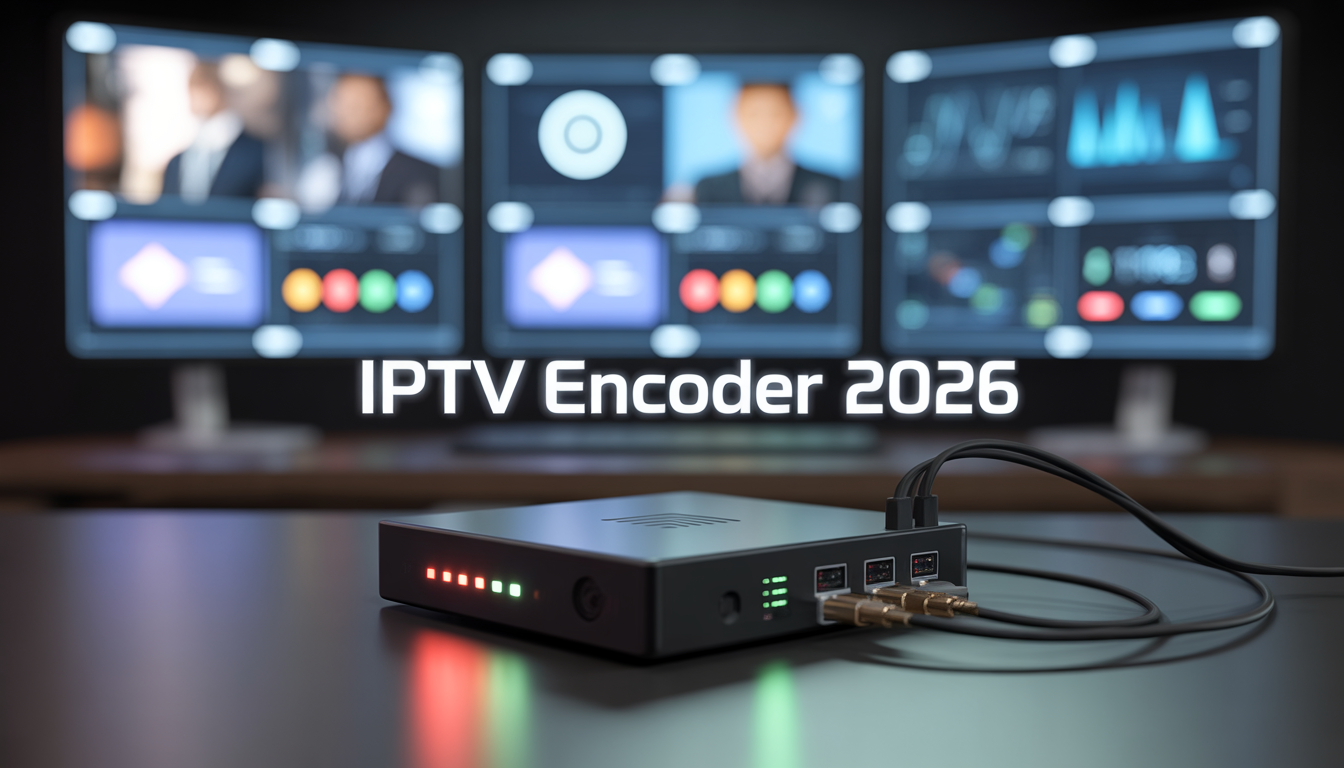
An IPTV encoder is a device or software application that converts raw video signals (HDMI, SDI, camera feed, satellite input, etc.) into digital IP streams that can be delivered over the internet.
In simple terms:
It transforms traditional video into compressed digital formats suitable for IPTV streaming.
Without a proper encoder, your video cannot be efficiently streamed to IPTV platforms, apps, or set-top boxes.
How an IPTV Encoder Works
Here’s a simplified breakdown:
-
Video Input Source
-
Camera
-
Satellite receiver
-
Cable box
-
Live production feed
-
-
Compression & Encoding
-
Converts raw video into digital format
-
Compresses using codecs like H.264 or H.265
-
-
Streaming Protocol Output
-
RTMP
-
HLS
-
MPEG-TS
-
UDP / RTP
-
-
Distribution
-
Sent to IPTV servers
-
Delivered to end-users via apps or IPTV players
-
The encoder is the bridge between content creation and content delivery.
Why Choosing the Right IPTV Encoder Matters
An inferior encoder leads to:
-
Buffering issues
-
High latency
-
Poor image quality
-
Audio sync problems
-
Subscriber dissatisfaction
A high-quality encoder ensures:
-
Ultra-smooth playback
-
Stable multi-device compatibility
-
Lower bandwidth usage
-
Scalable distribution
-
Professional-grade streaming
If you’re targeting commercial IPTV growth, this is non-negotiable.
Types of IPTV Encoders
There are two main categories:
1. Hardware IPTV Encoder
A physical device dedicated to encoding.
Advantages:
-
Highly stable
-
Optimized performance
-
Lower CPU load
-
Professional-grade output
-
Ideal for 24/7 broadcasting
Disadvantages:
-
Higher upfront cost
-
Less flexible than software solutions
Best For:
-
IPTV providers
-
Broadcasters
-
Churches
-
Event streaming companies
-
Hotels
2. Software IPTV Encoder
Installed on a PC or server.
Advantages:
-
Lower cost
-
Flexible configuration
-
Easy updates
-
Great for startups
Disadvantages:
-
Depends on server performance
-
Can crash under heavy load
-
Requires more optimization
Best For:
-
Small IPTV startups
-
Test environments
-
Developers
Hardware vs Software IPTV Encoder (Comparison Table)
| Feature | Hardware Encoder | Software Encoder |
|---|---|---|
| Stability | ⭐⭐⭐⭐⭐ | ⭐⭐⭐ |
| Initial Cost | Higher | Lower |
| Scalability | High | Moderate |
| Maintenance | Low | Medium |
| Performance | Dedicated | Server-dependent |
| Best For | Commercial IPTV | Startups & Testing |
If you’re building a serious IPTV business, hardware usually wins long-term.
Key Features to Look for in an IPTV Encoder (2026)
When evaluating an IPTV encoder, focus on:
1. Codec Support
-
H.264 (AVC)
-
H.265 (HEVC)
-
4K compatibility
2. Bitrate Control
-
CBR (Constant Bitrate)
-
VBR (Variable Bitrate)
3. Low Latency Mode
Critical for:
-
Live sports
-
Real-time events
-
Interactive streaming
4. Multi-Stream Output
Ability to stream:
-
Multiple bitrates
-
Different resolutions simultaneously
5. Protocol Compatibility
-
RTMP
-
HLS
-
SRT
-
UDP
6. Audio Encoding
-
AAC
-
MP3
-
AC3
7. Remote Management
Web interface access is essential for professional IPTV management.
Best IPTV Encoder Setup for Commercial Use
Here’s a professional setup blueprint:
Step 1: High-Quality Source
Use clean HDMI or SDI input.
Step 2: Configure Encoding Settings
-
Resolution: 1080p or 4K
-
Bitrate: 4–8 Mbps (1080p)
-
Codec: H.265 for efficiency
Step 3: Connect to IPTV Server
Stream via:
-
RTMP push
-
UDP multicast
Step 4: Distribute via CDN
Reduces latency and buffering.
Step 5: Monitor Performance
Track:
-
Packet loss
-
Bitrate fluctuations
-
CPU usage
Professional IPTV businesses monitor constantly.
IPTV Encoder for USA & UK Markets
Streaming expectations in the USA and UK are extremely high.
Consumers demand:
-
Zero buffering
-
HD & 4K quality
-
Instant channel switching
-
Multi-device compatibility
That’s why pairing a reliable IPTV encoder with a premium IPTV provider like Best IPTV VIP at:
creates a powerful infrastructure for delivering consistent streaming performance worldwide.
People Also Ask (PAA Section)
What is the best IPTV encoder for live streaming?
The best IPTV encoder depends on your scale. Hardware encoders are ideal for professional 24/7 streaming, while optimized software encoders are suitable for smaller setups.
Do I need an IPTV encoder for IPTV service?
Yes, if you’re broadcasting your own content. If you’re reselling IPTV services, encoding is usually handled by the provider.
What bitrate should I use for IPTV encoding?
-
720p: 2–4 Mbps
-
1080p: 4–8 Mbps
-
4K: 15–25 Mbps
Depends on codec efficiency and network quality.
Is H.265 better than H.264 for IPTV?
Yes. H.265 (HEVC) reduces bandwidth by up to 40–50% while maintaining similar visual quality.
IPTV Encoder Use Cases
1. Live Sports Streaming
Low latency is critical.
2. Religious Institutions
Broadcast services online.
3. Hotels & Hospitality
In-house IPTV systems.
4. Educational Platforms
Remote learning broadcasts.
5. IPTV Service Providers
Channel encoding and redistribution.
Common IPTV Encoder Mistakes
Avoid these costly errors:
-
Using too high bitrate
-
Ignoring CDN integration
-
Poor cooling for hardware encoders
-
No backup redundancy
-
Choosing cheap unstable devices
Professional streaming requires professional infrastructure.
Pros and Cons of Using an IPTV Encoder
Pros:
✔ Full control over content
✔ Professional streaming quality
✔ Scalable distribution
✔ Lower long-term bandwidth costs
Cons:
✖ Initial setup complexity
✖ Hardware investment
✖ Requires technical knowledge
How IPTV Encoders Impact Customer Retention
Buffering is the #1 reason IPTV users cancel subscriptions.
When your encoding quality improves:
-
Churn rate drops
-
Viewing time increases
-
Customer satisfaction improves
-
Refund requests decrease
Encoding directly impacts revenue.
Advanced Optimization Tips (Expert-Level)
-
Use dual power supply hardware encoders
-
Enable adaptive bitrate streaming
-
Integrate load balancing
-
Monitor stream health in real time
-
Implement backup failover encoders
Serious IPTV businesses operate like broadcasters — not hobbyists.
Frequently Asked Questions (SEO-Focused)
Can I use OBS as an IPTV encoder?
Yes, OBS can function as a software encoder using RTMP output.
What is the difference between an IPTV encoder and transcoder?
Encoder converts raw video to digital stream.
Transcoder converts one digital format into another.
How much does a professional IPTV encoder cost?
Hardware encoders range from $300 to $5,000+ depending on features.
Can one encoder handle multiple channels?
High-end encoders support multi-channel input.
Who Should Invest in a Professional IPTV Encoder?
You should invest if:
-
You run an IPTV business
-
You stream live events
-
You want brand control
-
You aim for commercial growth
-
You operate internationally
If you’re simply consuming IPTV, you don’t need one.
Final Verdict: Is an IPTV Encoder Worth It?
If you want:
-
Long-term IPTV success
-
High-quality delivery
-
Reduced buffering
-
Professional reliability
-
Global scalability
Then yes — investing in a quality IPTV encoder is essential.
For users who prefer a ready-made premium streaming solution instead of managing technical infrastructure, you can explore high-performance IPTV services at:
Strong Call to Action
Ready to elevate your IPTV streaming quality?
Whether you’re launching a new IPTV business or upgrading your current system, choosing the right IPTV encoder is your foundation for success.
And if you want premium, fully optimized IPTV streaming without technical complexity:
Visit 👉 https://best-iptv-vip.us/
Get started today.
Deliver flawless streaming.
Scale with confidence.